What Happen To My Embedded YouTube Video
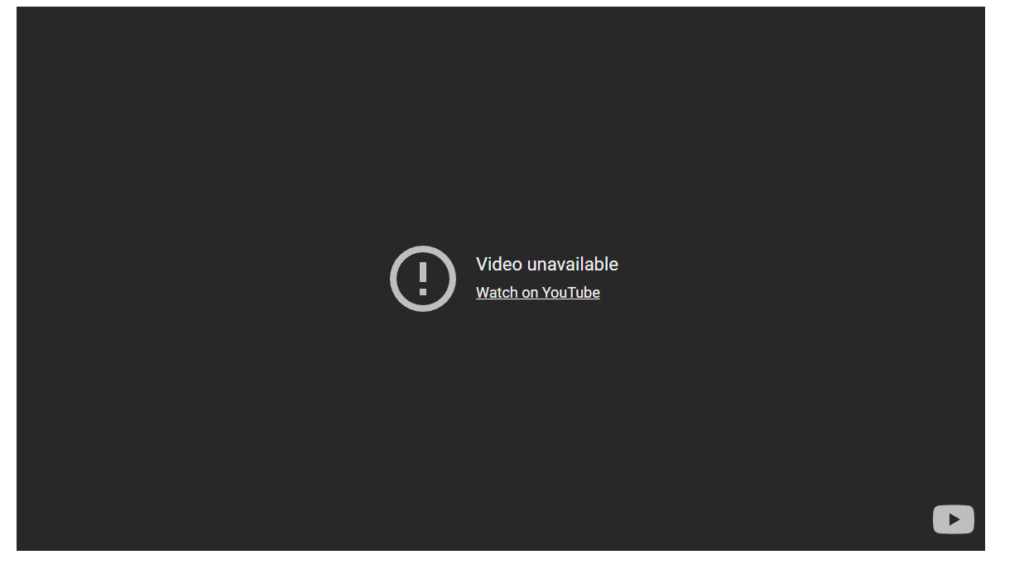
If you’re having trouble embedding YouTube videos and all you are seeing is this dreaded “Video unavailable – Watch on YouTube”, then this post is for you.
You have your web page exactly how you want it, which includes a YouTube video. You save your work and check your work to see how it looks and you see a big black box with the statement “Video unavailable, Watch on YouTube” displayed. You click on the link and it takes you to YouTube where you can watch the video. Why can’t you watch it on your website?

What Happened to My Embedded YouTube Video?
If you’re having trouble embedding YouTube videos and all you are seeing is this dreaded “Video unavailable – Watch on YouTube”, then this post is for you.
Your web page is exactly how you want it, including a YouTube video. You save your work, check it to see how it looks, and see a big black box with the message “Video unavailable, Watch on YouTube” displayed. You click on the link, and it takes you to YouTube, where you can watch the video. Why can’t you watch it on your website?
It often boils down to copyright claim restrictions and how YouTube is enforcing them. When a video is uploaded to YouTube, a bot scans it for copyrighted music and flags it with a Content ID claim. And if it detects copyrighted content, you will not be able to play the embedded video.
Like any business, Alphabet, Inc. (the parent company of Google, which owns YouTube) is in business to make money. And they can’t make money if they’re fined for copyright infringement. So, to make things simple, YouTube will not allow any video it deems to contain copyrighted music or video to be displayed as an embedded video on a website. If you view the video on YouTube, It displays a copyright notice and tracks view counts directly on its platform.
As this is a restriction from YouTube itself, the only real way to embed the video on your website is to remove the copyrighted music (assuming you own the video).
FAQs
This message almost always means YouTube has flagged the video as containing copyrighted music or content. YouTube's automated Content ID system scans every uploaded video for copyrighted audio. When it finds a match, it places a restriction on the video that prevents it from being played when embedded on external websites. The video still plays fine on YouTube itself — you just can't embed it elsewhere.
When a video is watched directly on YouTube, ads can be served and view counts are tracked — which means YouTube and the copyright holder can still earn revenue from the video. When the same video is embedded on a third-party website, YouTube loses that control. To protect against copyright infringement liability and preserve its own revenue model, YouTube restricts embedding for flagged videos.
In most cases, no — not if you want the video embedded on your own site. If you don't own the video, there is nothing you can do; the restriction is applied by the video owner or YouTube's Content ID system. If you do own the video, your best option is to re-edit it using royalty-free or licensed music, re-upload it to YouTube, and then use the new version's embed code on your site.
YouTube itself offers a free Audio Library with royalty-free music and sound effects cleared for use in YouTube videos. Other popular sources include Epidemic Sound, Artlist, and Free Music Archive. Using music from these sources significantly reduces the risk of a Content ID claim that would block your video from being embedded.
Absolutely — while the copyright restriction itself has to be resolved on the YouTube side, we can help you troubleshoot embed issues, update your video code once a new version is uploaded, and make sure your pages are displaying media correctly. If you're running into any kind of issue with videos or other content on your WordPress site, give us a call at 540-479-6350.
Having trouble with your website's videos, embeds, or content? SWS can help
Whether it’s a YouTube embed that won’t cooperate, a WordPress plugin acting up, or something else entirely — Simply Web Services is here to troubleshoot and fix it.