Beware: Fake Emails Impersonating Our Web Company
For the past couple of months, someone has been emailing our clients while pretending to be us. They aren’t very good at it, and none of our clients have fallen for it, but they keep trying anyway.
Here is What They Did
They scraped the portfolio pages on our website, then visited each client’s individual website and pulled their email addresses directly from their “Contact Us” pages. For 25 years, we’ve advised clients not to publish their email address publicly and recommended using a contact form instead. But nearly every guerrilla marketing class we’ve attended over the years has preached that customers hate filling out contact forms and would rather just email you directly.
Some of that’s true, but not nearly as much as those marketing classes make it sound. Real statistics show that less than 5% of website visitors will refuse to fill out a contact form. And I get it; even I’d personally rather send an email than fill out a form. But that’s the trade-off: publish your email address publicly, and eventually someone will misuse it.
How the Scam Worked
This person scraped our site and collected the email addresses of our clients listed there. Fortunately, we’re in the middle of updating our portfolio pages, so only about 20% of our clients are currently listed, which limited the damage.
Once they had the email addresses, they emailed each client from info.simplywebservices@
Neither Crystal nor I is vain enough to include our own photos in an email like that. If you’d been a fly on the wall years ago when we debated whether to put our headshots on the website at all, you’d understand why that’s almost funny to us now. Neither of us wanted our photos online, but we knew we needed them for the business.
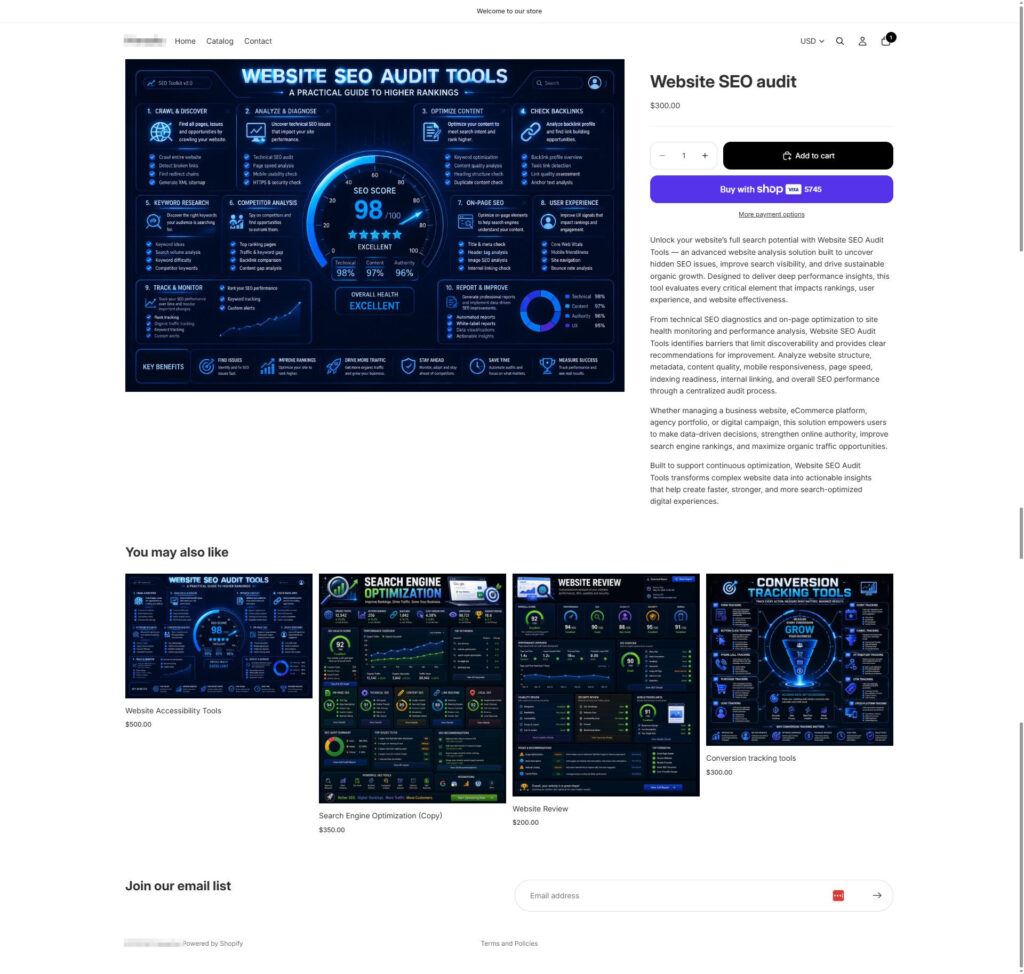
This individual then set up an entirely AI-generated Shopify store and tried to get our clients to buy “services” through that fake storefront.
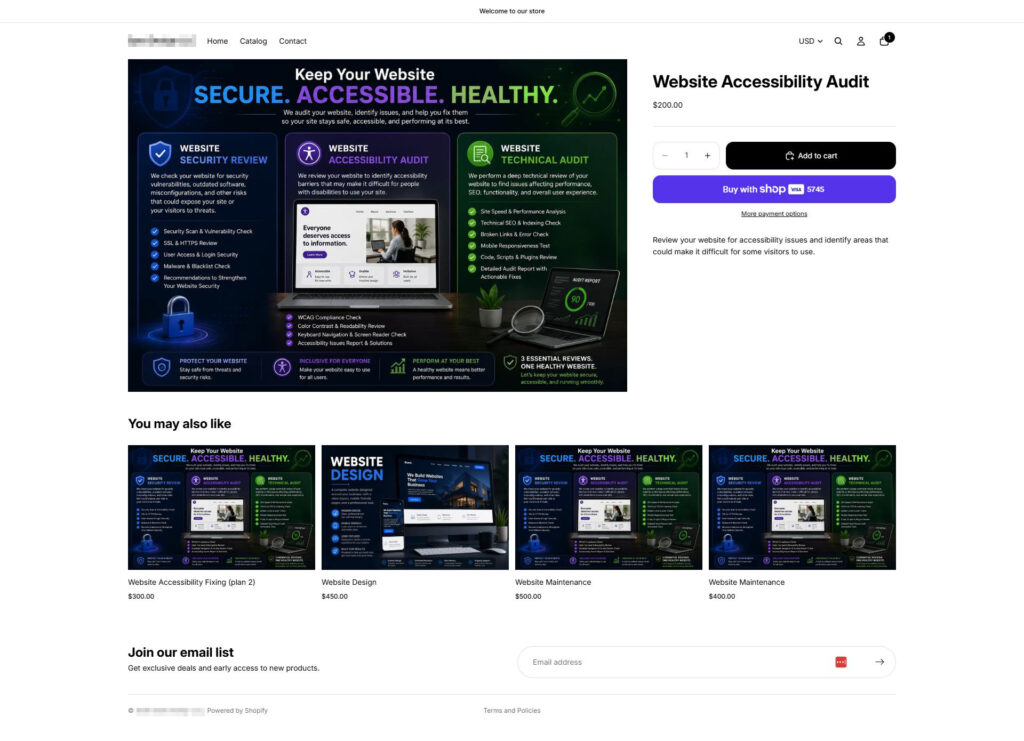
In one of the communications between the person pretending to be us and us, they sent us a payment link (in fact, they were tricked into this four different times): one via PayPal, one via Shopify, and two via payment processors we’d never heard of. They also set up two different Shopify websites.
Why It Didn't Work
Have Questions?
Think you received a fake email from Simply Web Services? Do not click or pay. Call us at 540-479-6350, and we will confirm whether the message is real.
The good news: every one of our clients knows this isn’t how we communicate, so none fell for the fake emails or the fake website. In fact, a handful of clients graciously played along, allowing us to gather documentation and evidence to build a legal case against this individual.
They also failed to understand how Simply Web Services communicates with our clients and how we’ve trained our clients for years to contact us when something feels wrong. Every client the scammer emailed reached out to verify whether the message came from us.
We will never contact you from a Gmail address, ask for payment through a random Shopify store, or use an outside platform to request business. If you ever receive a message that seems even slightly off, don’t click or pay; call us directly, and we’ll confirm whether it’s legitimate.
We email clients from addresses ending in @simplywebservices.net or @simplywebservices.com. Call us if a message comes from any other address.
They Weren't as Careful as They Thought
When I say this person “isn’t very good at it,” I mean it. They tried to mask their location with a VPN and routed their activity through Google’s IP infrastructure to send emails and set up the Shopify account. We reported this activity to the FTC, Google, and Shopify.
We can’t share more details about this case, as it is still ongoing.
What to Do If You Receive a Fake Email
First, don’t click links, reply to the spammer, or send payment. Contact the real company by looking up their phone number online or, better yet, from a trusted source, such as a letter they sent you or their known website.
Report the message to the FTC at https://reportfraud.ftc.gov/.
Ask your web host about setting up SPF, DKIM, and DMARC records. These will help prevent some impersonation, but not if they use a free email like gmail.com to send emails.
If you’re a current or past client and think you may have received one of these fake emails, contact Simply Web Services immediately at 540-479-6350. And if your own business has never reviewed how it protects client and staff email addresses from scraping, let’s talk , we can help you lock that down before someone tries the same trick on your customers.
Frequently Asked Questions
We email clients from addresses ending in @simplywebservices.net or @simplywebservices.com. Call us if a message comes from any other address.
A scammer pretends to be a business you know. The sender copies names, photos, and branding to look real, then asks for money or personal information.
They scrape public websites. Free software makes it easy to collect any email address listed on a Contact Us page, a directory, or a portfolio page.
A contact form hides your address from scraping tools and blocks spam with a captcha. Visitors still reach you, and your inbox stays protected.
Do not click links, reply, or send payment. Report the message to the FTC at ReportFraud.ftc.gov, use your email provider's report phishing option, and call us to verify the sender.